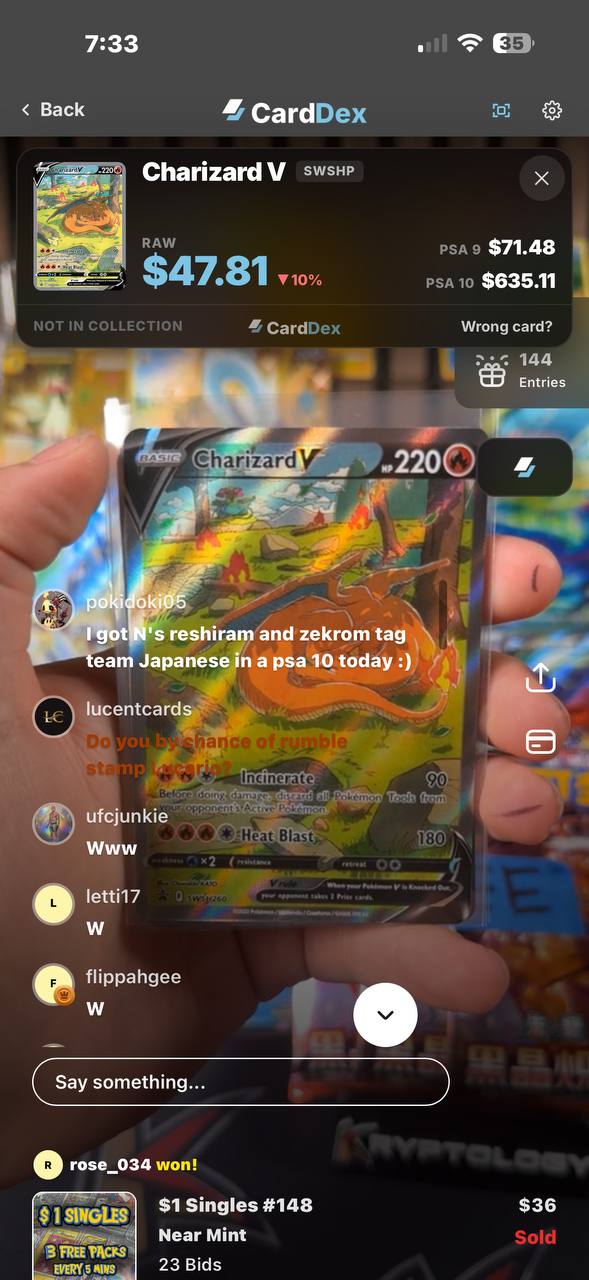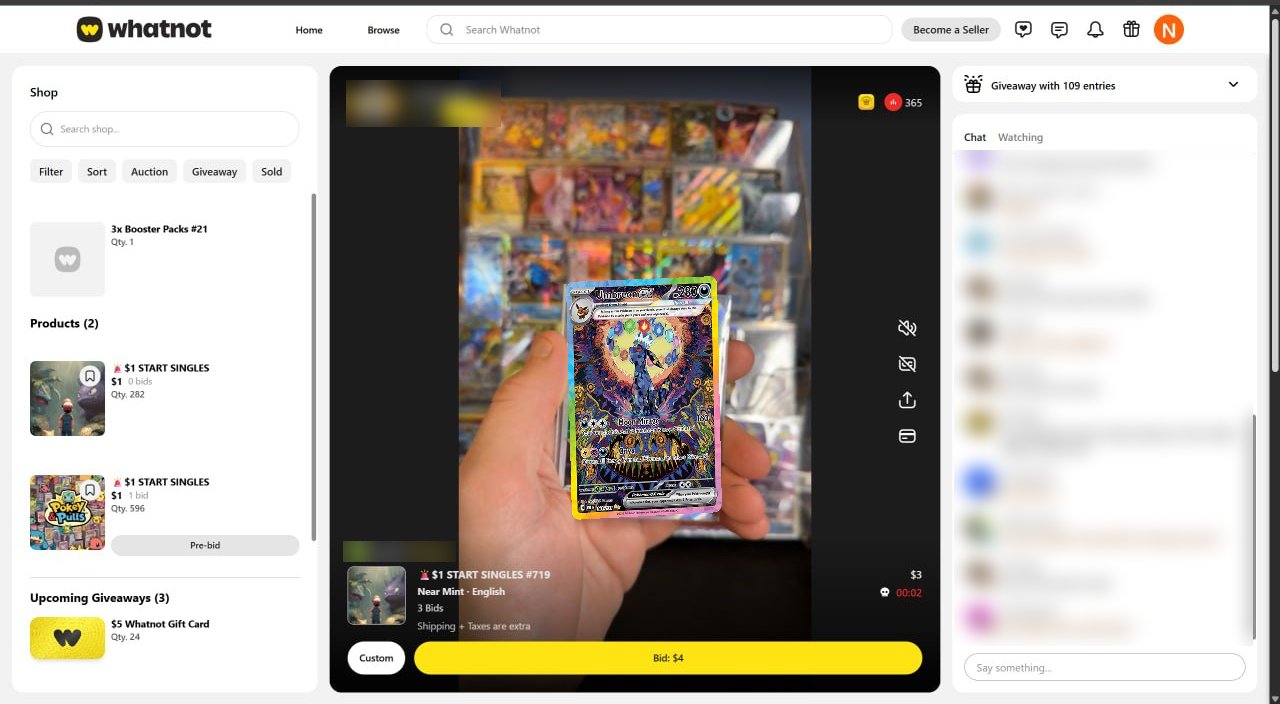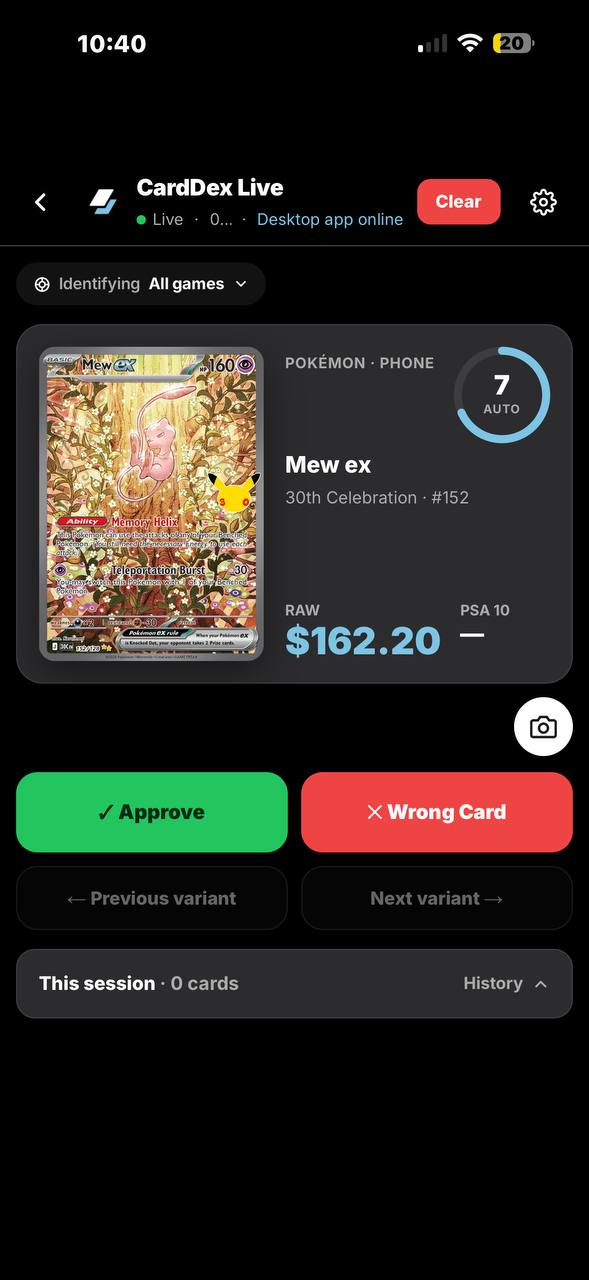
CardDex for iPhone is in public beta before it goes on the App Store. That means you get it early, for free, and your feedback shapes what ships. Apple handles beta apps through its own app called TestFlight, which is the only extra step. Here is every tap.
What TestFlight is
TestFlight is Apple's official app for trying apps before they are on the App Store. It is made by Apple, it is free, and it is the same way every iPhone developer runs a beta. Apps installed through it work exactly like normal apps — they just show a small orange dot next to the name and get updates through TestFlight instead of the App Store.
Install it
Get TestFlight
Open the App Store on your iPhone, search for "TestFlight", and install it. It is the one by Apple with the blue propeller icon. Open it once so it is set up.
Open the CardDex beta link on your iPhone
On your iPhone, go to carddex.gg/buying-buddy and tap "Join the iPhone beta", or open testflight.apple.com/join/xUjJw3Pa directly. It has to be on the iPhone itself, not on a computer.
Accept and install
TestFlight opens and shows CardDex. Tap Accept, then Install. It downloads like any other app and lands on your home screen.
Open CardDex and sign in
Sign in with Apple, Google, or the email you use on carddex.gg. If you already have an account, your collection, want list and scan history are all there. If not, it takes a minute to make one.
Allow the camera
The first time you scan, iPhone asks for camera access. Say yes — that is how the scanner, Buying Buddy and the slab reader see the card.
Getting updates
New beta builds show up in the TestFlight app with an Update button, and TestFlight can install them automatically if you let it (Settings inside TestFlight → Automatic Updates). Each beta build is valid for 90 days; if CardDex ever says the build has expired, open TestFlight and tap Update and you are back in seconds.
Sending feedback that helps
- Fastest: take a screenshot inside CardDex. iPhone will offer "Share Beta Feedback" — add a sentence and send. It reaches us with the screen attached.
- From TestFlight: open TestFlight, tap CardDex, tap Send Beta Feedback.
- Or email support@carddex.gg. Say what you were doing, what you expected, and what happened instead. A screenshot doubles the value.
- Crashes are reported automatically if you allowed it when you installed — nothing to do.
Opens TestFlight. Free, no card, takes about a minute.