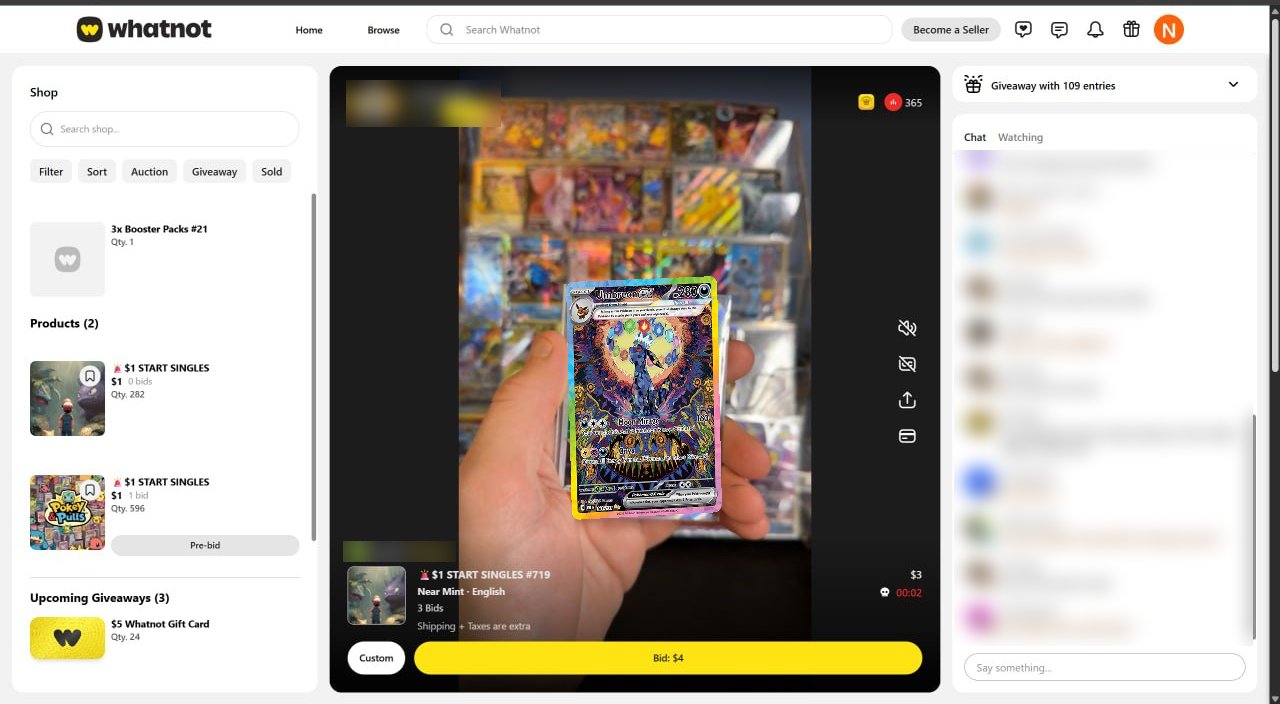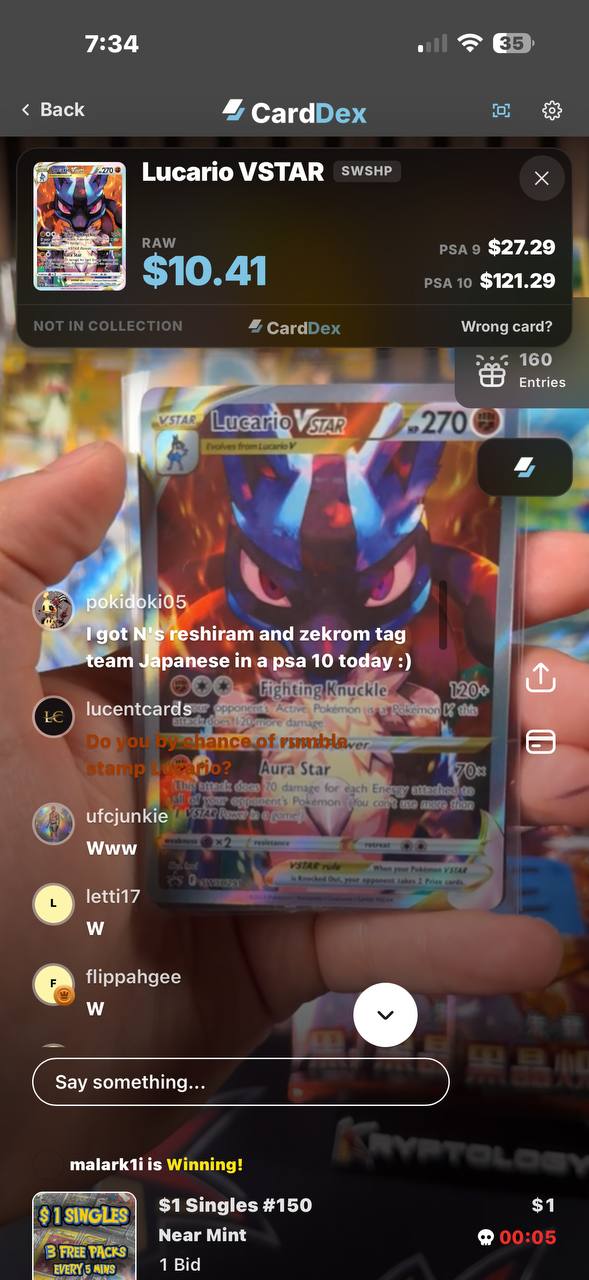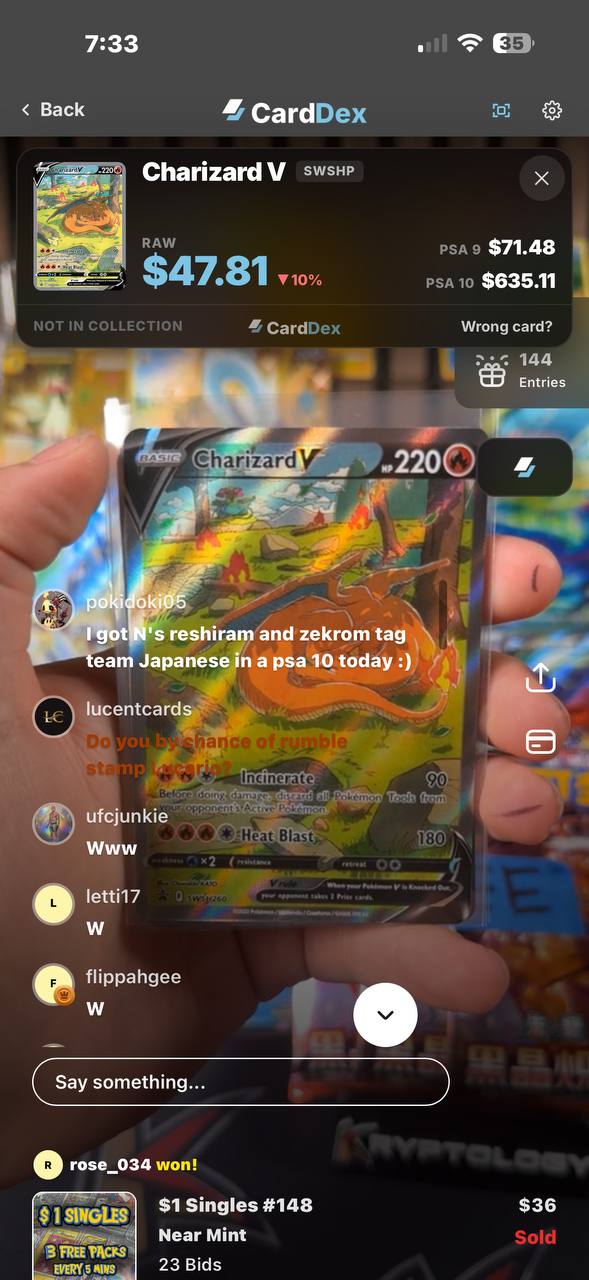
Most live auctions happen on your phone, in the Whatnot or TikTok app, with the timer running. There is no room for a second app. Buying Buddy on iPhone fixes that by opening the auction inside CardDex, so the scanner is already there when the card comes up.
Get the app
The CardDex iPhone app is in public beta. Tap the "Join the iPhone beta" button on the Buying Buddy page, install TestFlight if your phone asks, then install CardDex. Sign in with the same account you use on carddex.gg — your collection and want list are already there.
Snap a card during an auction
Open Buying Buddy
Tap the CardDex button in the middle of the bottom bar and choose Buying Buddy. You will see the sites it works with: Whatnot, TikTok Live, eBay, Fanatics Live, TCGplayer, Mercari and more.
Pick the site
Tap the one you are buying on. It opens inside CardDex. Sign in to the site like normal — it is the real site, just with the scanner on top.
Wait for the card
When the host holds up a card, tap the Scan button. CardDex identifies the exact card, set and number and shows the market price over the auction — raw, PSA 9, PSA 10.
Check the variant
If the card has several printings (foil, alt art, reverse holo), the chips under the price let you switch to the one in the host's hand. The price updates instantly.
Bid or skip
The result also says whether the card is already in your collection or on your want list. Tap Add to Want List if you miss it, so Buying Buddy flags it the next time one comes up.
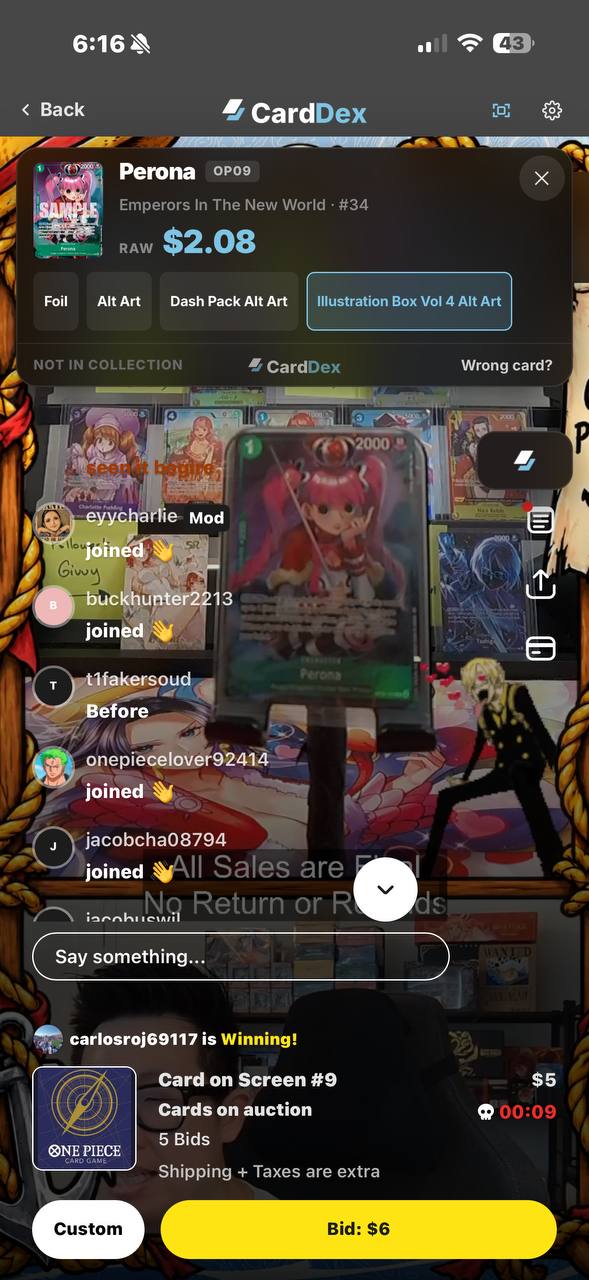
Which sites work
The iPhone app opens sites from a list we publish and maintain — live auctions, marketplaces, Japanese shops and retailers. If the shop you buy from is missing, tap Request a site in the Other sheet and we add it. On a Mac or Windows PC the desktop version of Buying Buddy works on anything on your screen.
Public beta on TestFlight. The App Store launch is next.