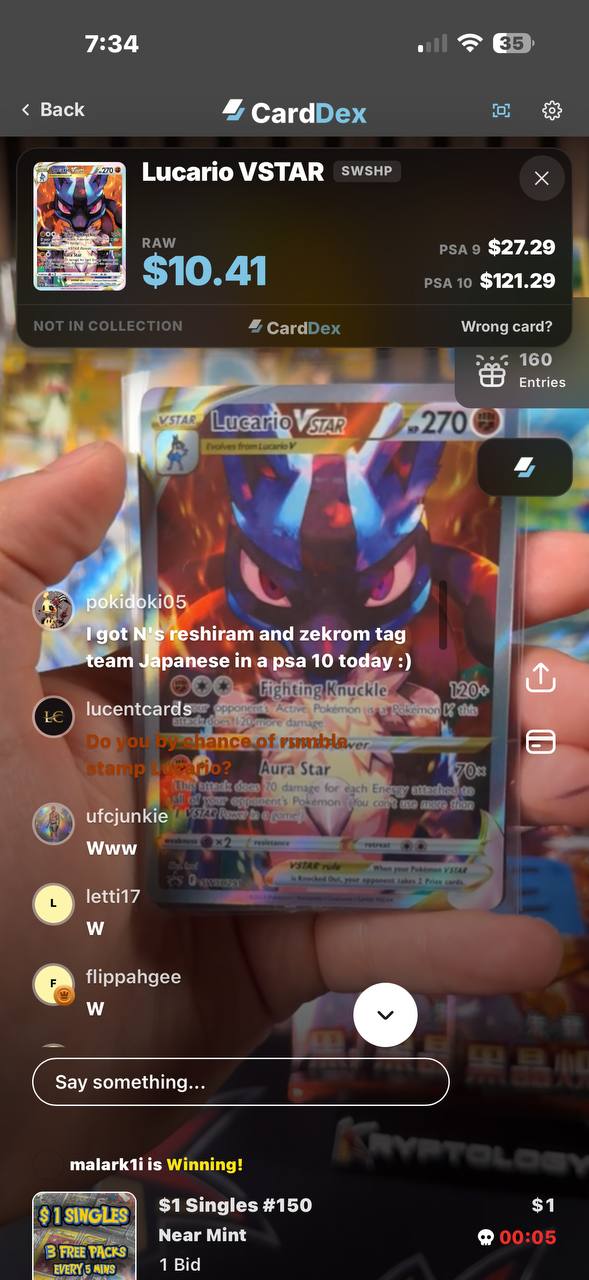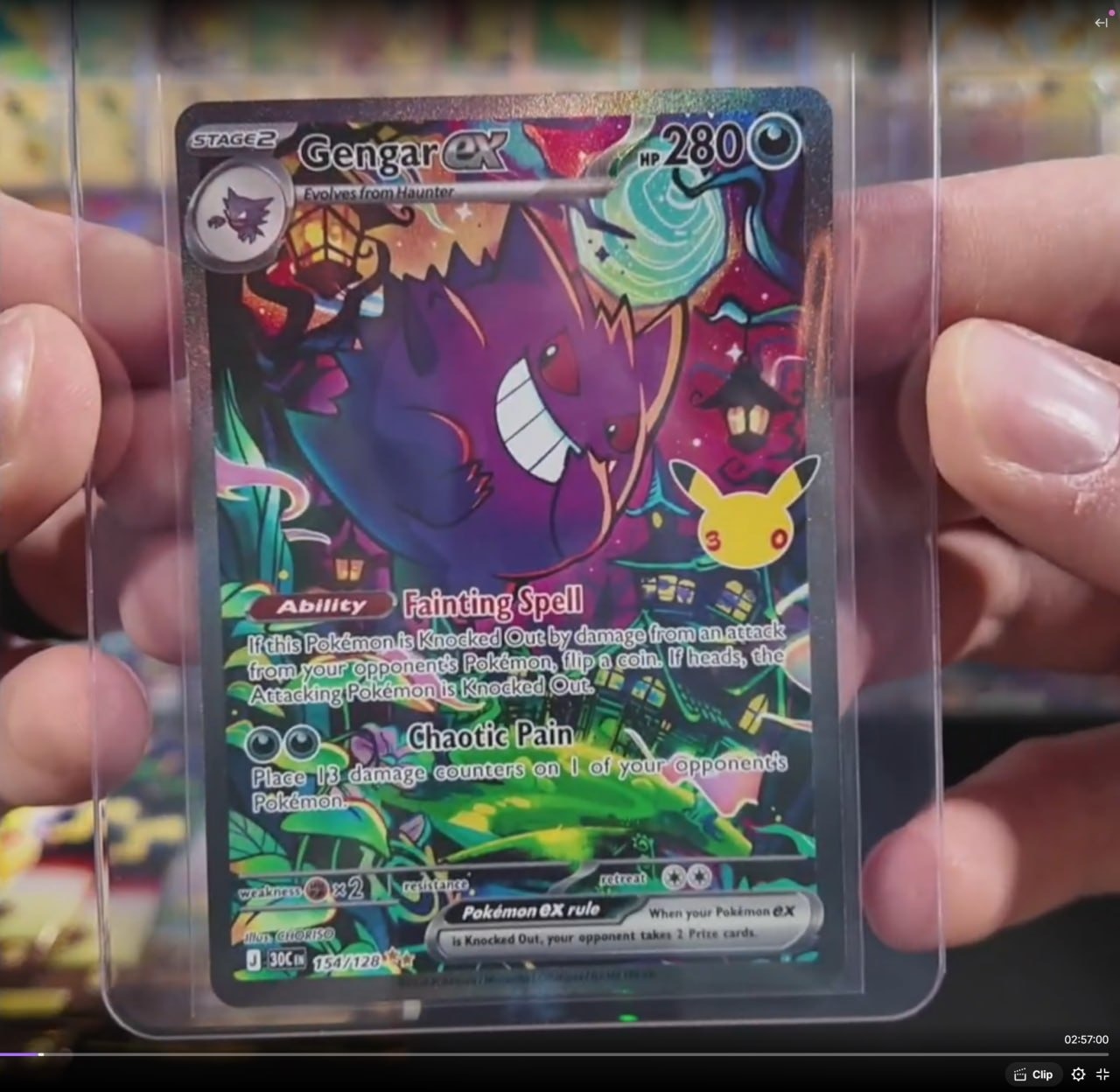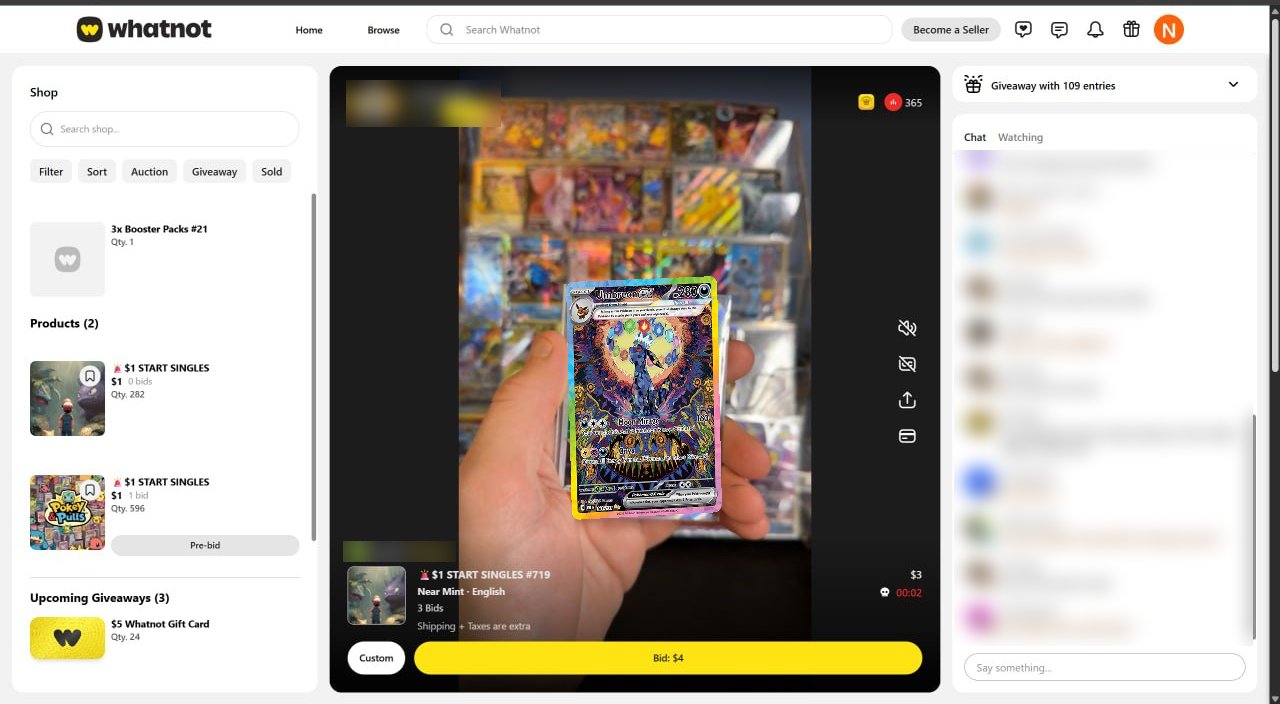
Whatnot is fast on purpose. A single goes up, the host says a name, the timer starts at a few seconds, and twenty people are bidding before you have finished reading the card. That pressure is exactly how people pay $40 for a $12 card. The fix is simple: know the number before you bid, without leaving the auction.
Why a second tab does not work
The old way is to alt-tab to a price site, type the card name, guess the set and the number, pick the right printing, and come back. By then the auction is over. Even if you are quick, you are reading one price from one site, usually a listing price and not what the card actually sells for.
The fast way: snap the card on your screen
CardDex Buying Buddy is a small frame that floats on top of your screen. Drag it over the card in the host's hand, press one key, and the card is identified and priced right next to the bid button. You never leave Whatnot.
Install Buying Buddy
Download it for Mac or Windows from carddex.gg/buying-buddy and sign in with your CardDex account. It lives in your menu bar or tray.
Open Whatnot like normal
Browser, full screen, second monitor — it does not matter. The frame sits on top of whatever is on your screen.
Drag the frame over the card
Press your "show frame" key, drag it over the card the host is holding, and resize it so the card fills the frame. It remembers where you put it.
Press your snap key
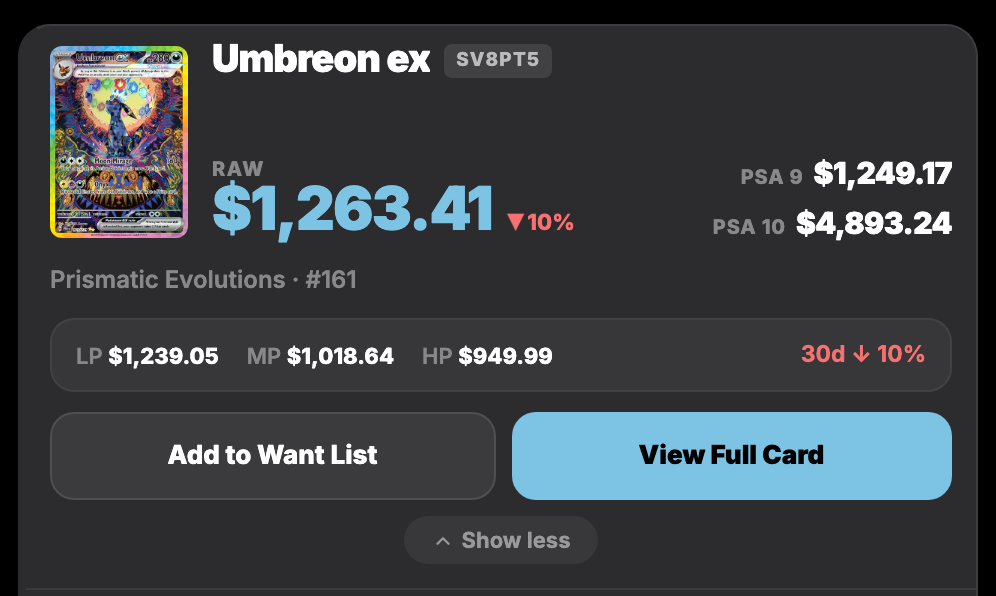
F13 out of the box, or any key you pick in Settings. In about a second the card name, set, number and the live market price appear beside the frame.
Check what you own
Every result also tells you if the card is already in your CardDex collection or on your want list, so you are not bidding on a third copy by accident.
Reading the price
- Raw is the price for an ungraded card in near-mint condition. For a $1-start single, this is the number to bid against.
- PSA 9 and PSA 10 are what graded copies sell for. Only relevant if you plan to grade — and a raw card is not guaranteed to come back a 10.
- Graded prices show for Pokémon, One Piece and Lorcana, where the slab market is big enough to report. Magic, Riftbound and Gundam cards show the raw price only for now.
- Prices come from real market data through our pricing partner, not one seller's listing. CardDex shows the number as-is; there are no adjustments.
On your phone
The CardDex iPhone app (public beta on TestFlight) opens Whatnot inside the app with the scanner built in. Same idea: tap, see the price, bid or skip. The App Store release is next.
Free download for Mac and Windows. 10 snaps a day free; CardDex Pro is unlimited.